
CapyPlan · Blog
What's new in CapyPlan 7.5: a calmer timer, ideas when you're stuck, and Capy's Book
CapyPlan 7.5 makes the hard parts of a day easier: a visual onsen timer, gentle task ideas that fit your mood, cheers about the task you just finished, a weekly book Capy writes about your week, better widgets, and a CapyAI that can rearrange your day.
By The CapyPlan team · · 5 min read
CapyPlan 7.5 is about the hard parts of a day: getting started, staying with it, and noticing you did well. The timer is easier to read at a glance. When your list is empty, Capy has ideas. Every tick gets a reply about that task, not a generic "well done". Once a week Capy writes you a little book about your week. Widgets do more from the home screen, and CapyAI can now rearrange your day for you.
What's new, in one minute
- A timer you can read without reading. A capybara floats in the onsen as your time runs down.
- Ideas when you don't feel like planning. Three small tasks that fit today's mood and energy. Tap one to add it.
- Encouragement about the thing you just did. Capy replies to the task you ticked off, with a joke about it.
- Capy's Book. A short weekly story about your week, written by Capy, about what went well and what Capy noticed.
- Better widgets. More styles and sizes, a check-in widget, and tick or add tasks without opening the app.
- A smarter CapyAI. Better task ideas, and it can move tasks around when your day changes.
A timer that feels like a bath, not a deadline
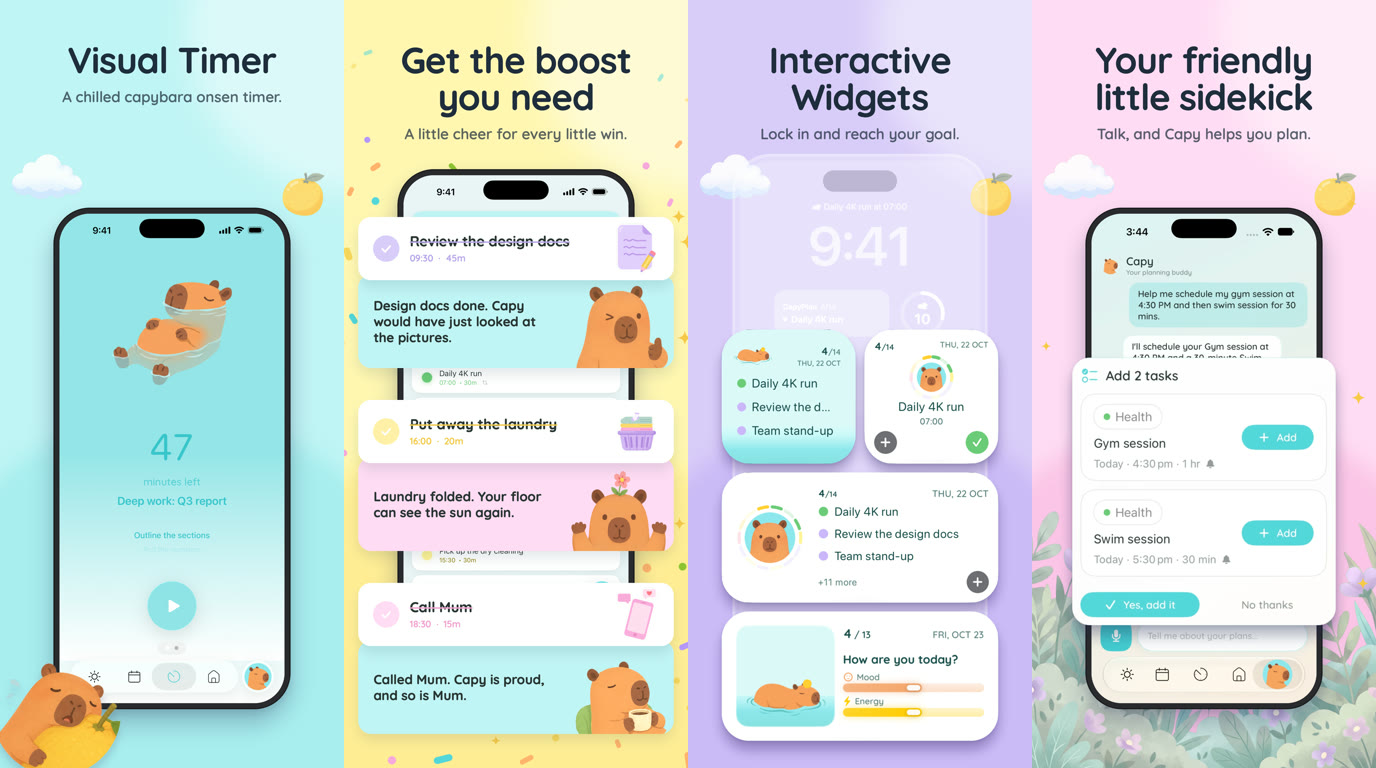
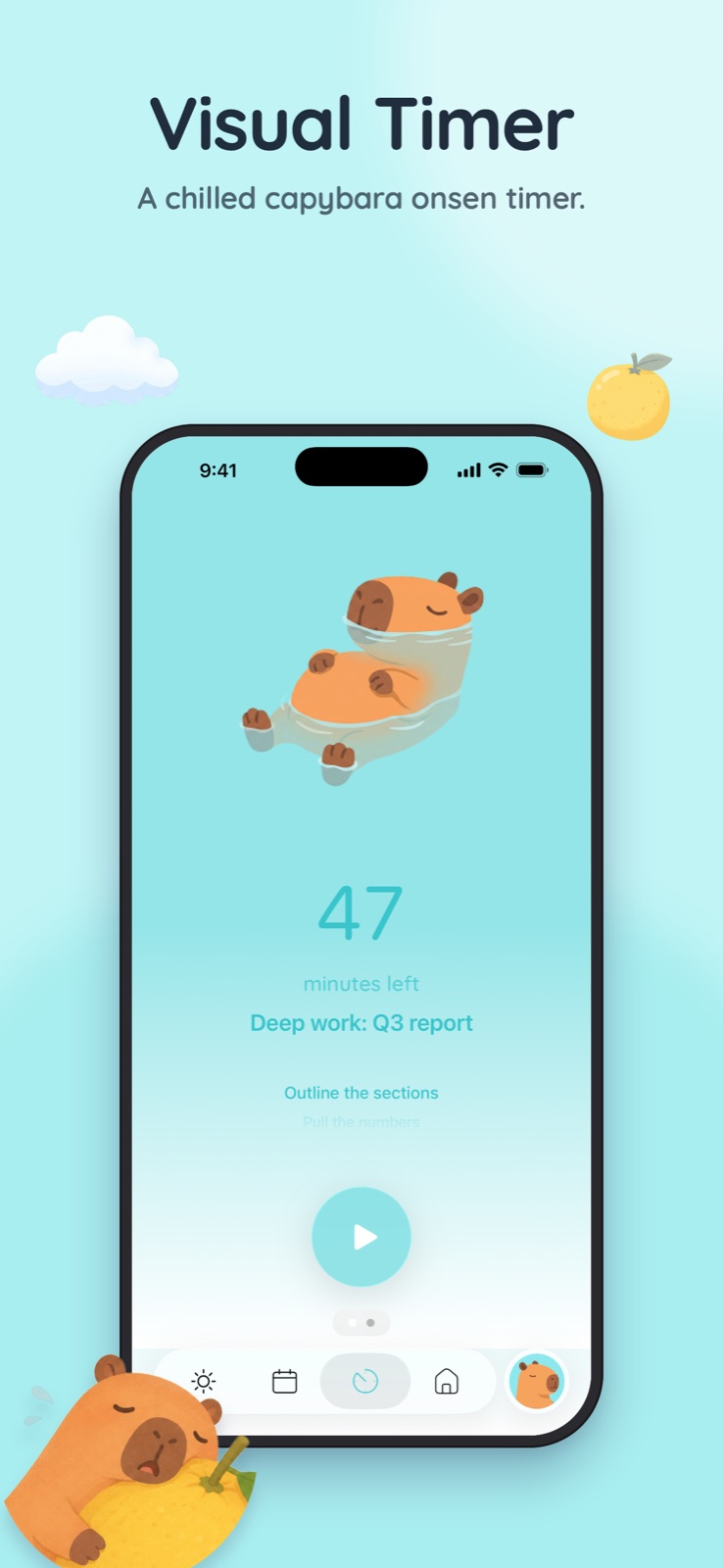
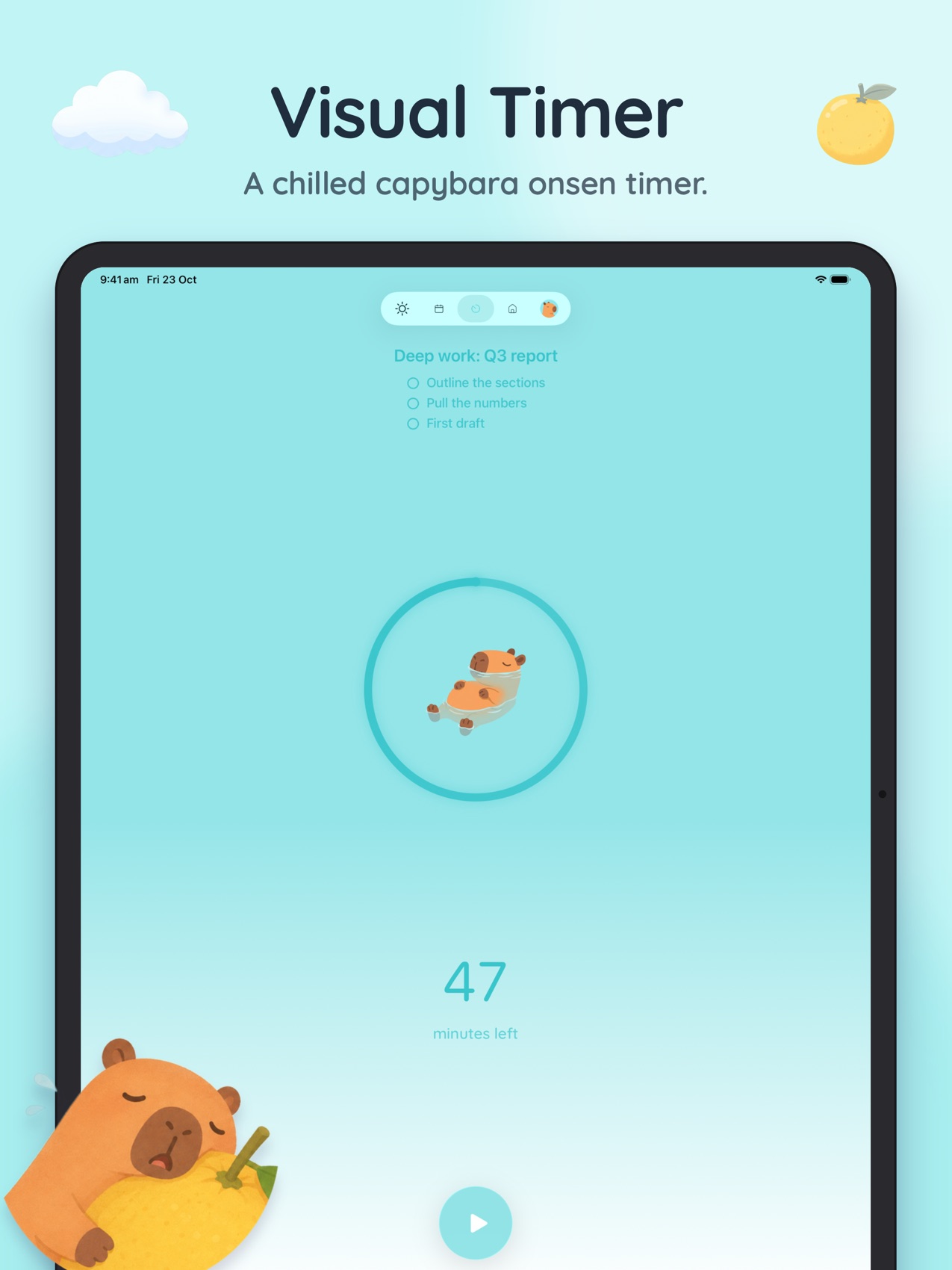
Most focus timers are a big number counting down at you. In 7.5 the timer is a scene: Capy floating in the onsen, a ring that slowly empties, and the minutes left in plain words underneath. You can tell how far along you are from across the room, without doing maths.
Your task's subtasks sit right there with the timer, so if you broke "Deep work: Q3 report" into small steps, the next step is always on screen. Start it and the timer follows you to the lock screen and the Dynamic Island, so you can check it, pause it, or stop it without opening the app.
Too tired to plan? Capy has ideas
Some days you open a planner and have nothing to type. That used to mean an empty list. Now, after your daily check-in, Capy suggests three gentle ideas for today. Each takes two to ten minutes and fits how you said you feel: low energy gets "drink a full glass of water slowly", a good day might get "dance to one favourite song". If you picked an area of your life to work on, some ideas lean that way.
Tap Add and it's on today's list. Don't like them? Close the card. No guilt either way. A day with one small kind thing in it is a good day.
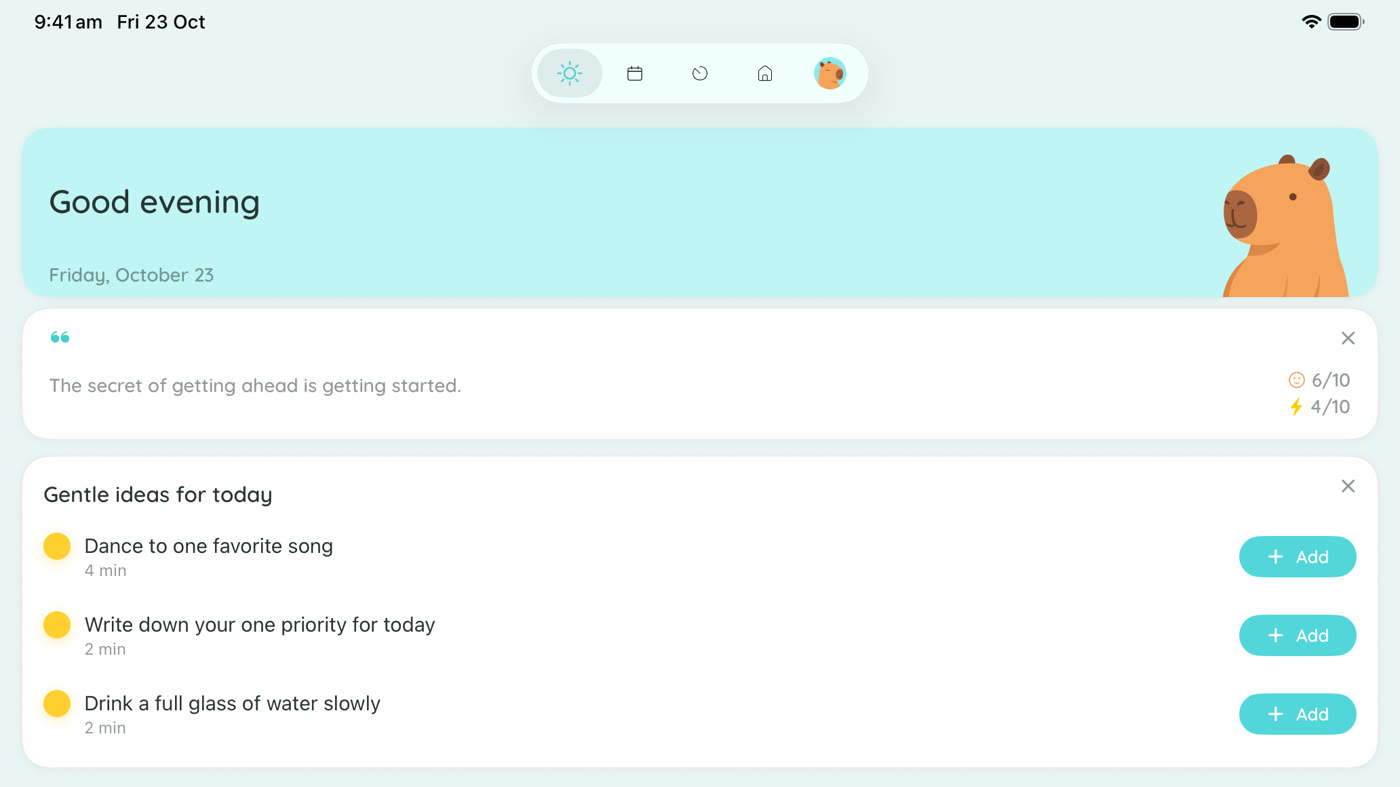
Three small ideas, picked for your mood and energy. One tap to add.
A cheer that knows what you just did
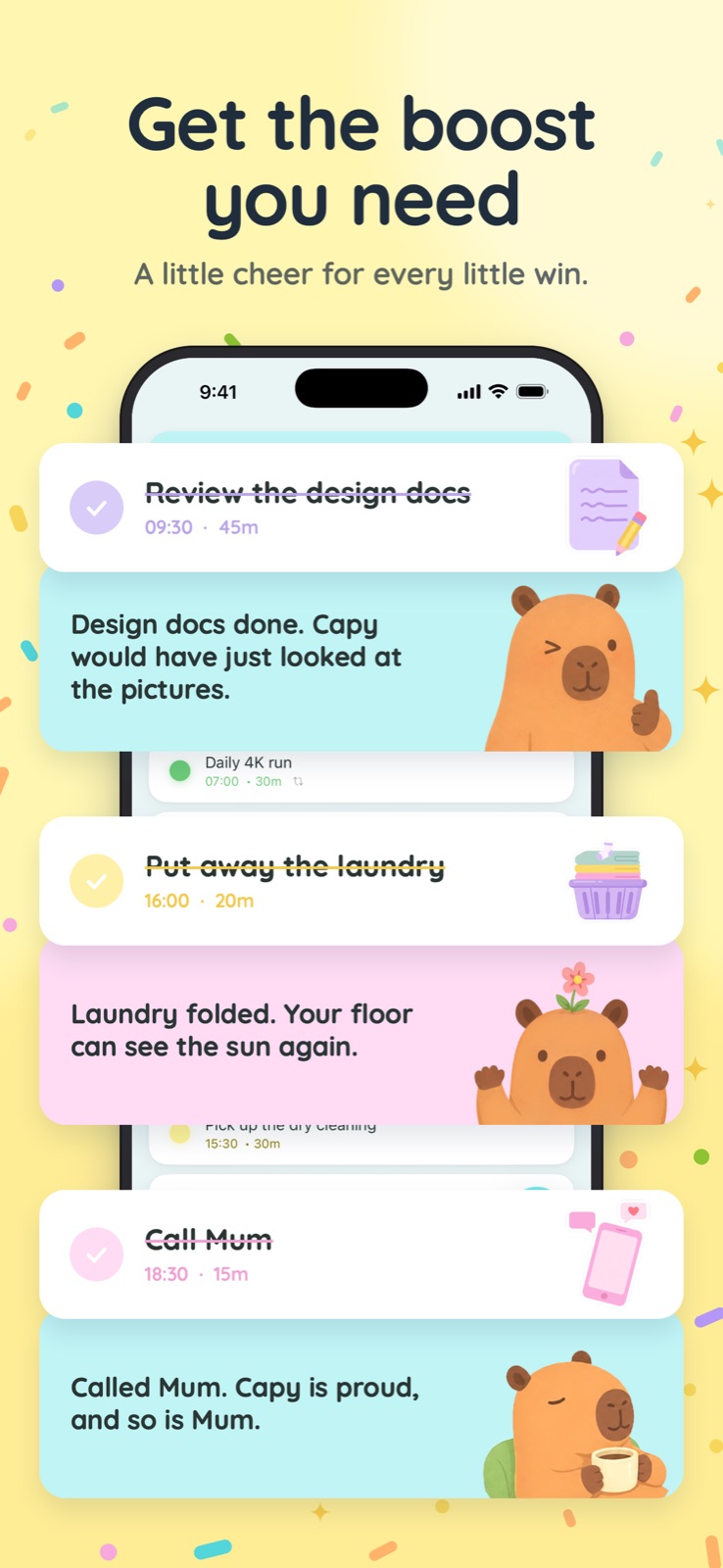
Ticking something off should feel good. "Great job!" stops feeling like anything after the tenth time. So in 7.5 Capy replies to the task itself, in Capy's own dry, slightly cheeky voice. Finish "Review the design docs" and you might hear that Capy would have just looked at the pictures. Fold the laundry and your floor can see the sun again. Call your mum and Capy is proud, and so is Mum.
Capy also knows the time of day, which list the task is in, and your name if you've told it, so the replies stay fresh instead of repeating. No streaks, no counting, no pressure. Just a small grin at the moment you finish something.
Capy's Book: your week, told kindly

When you look back at a week, you tend to remember what you didn't do. Capy's Book looks from another angle. At the end of every week, Capy reads your tasks, your check-ins and your Wheel of Life, and writes you a short book about it: a title, a dedication, and a few chapters.
It isn't a report card. Capy writes about patterns you might have missed: you kept your morning run going on your lowest-energy days, Wednesdays are always your heaviest, you felt better on the days you called a friend. It's a gentle reminder that you did more than it felt like, and a nudge to be a bit kinder to yourself next week.
You'll get a notification when a new book is ready. Find it in Home → Capy's Book. The latest book is free for everyone; your shelf of past books comes with Capy+.
Widgets that do more from the home screen
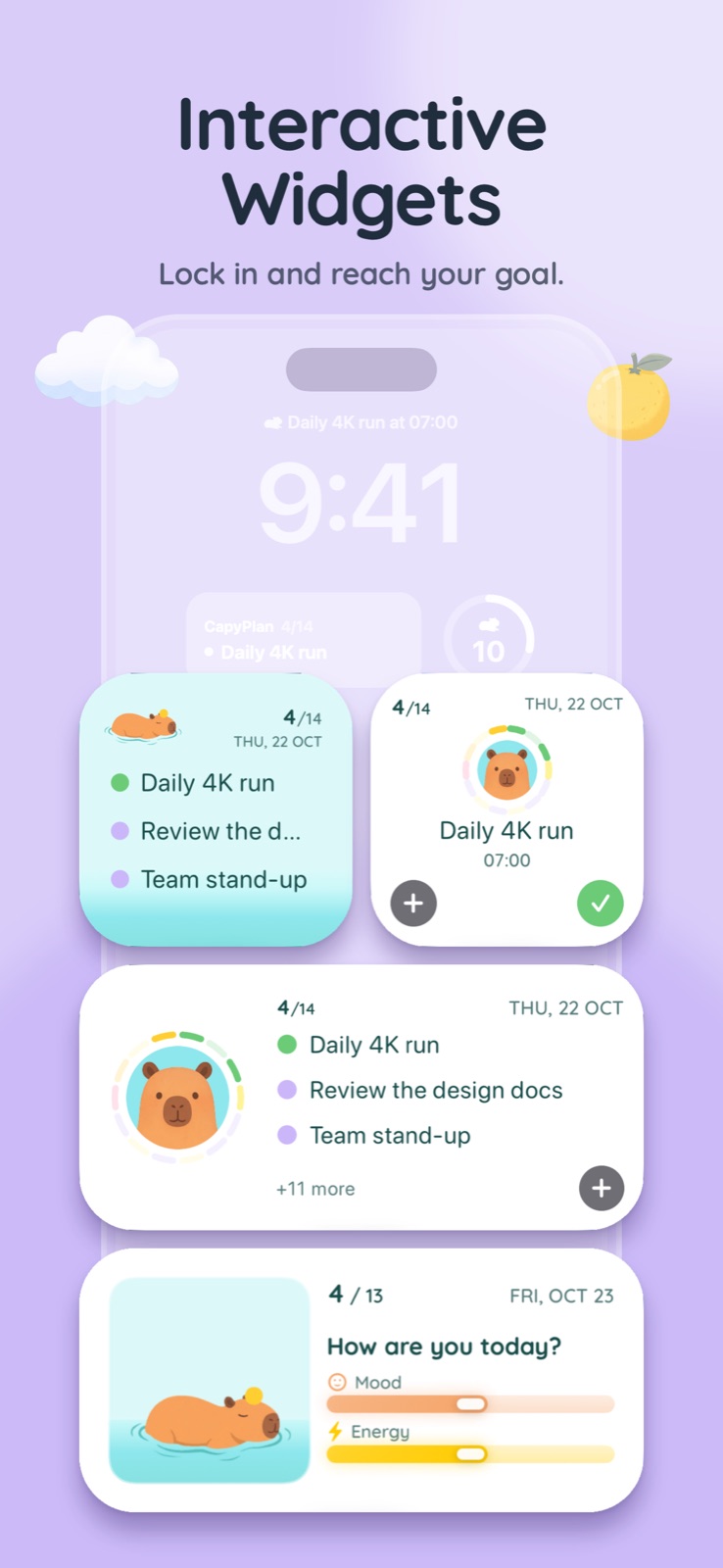
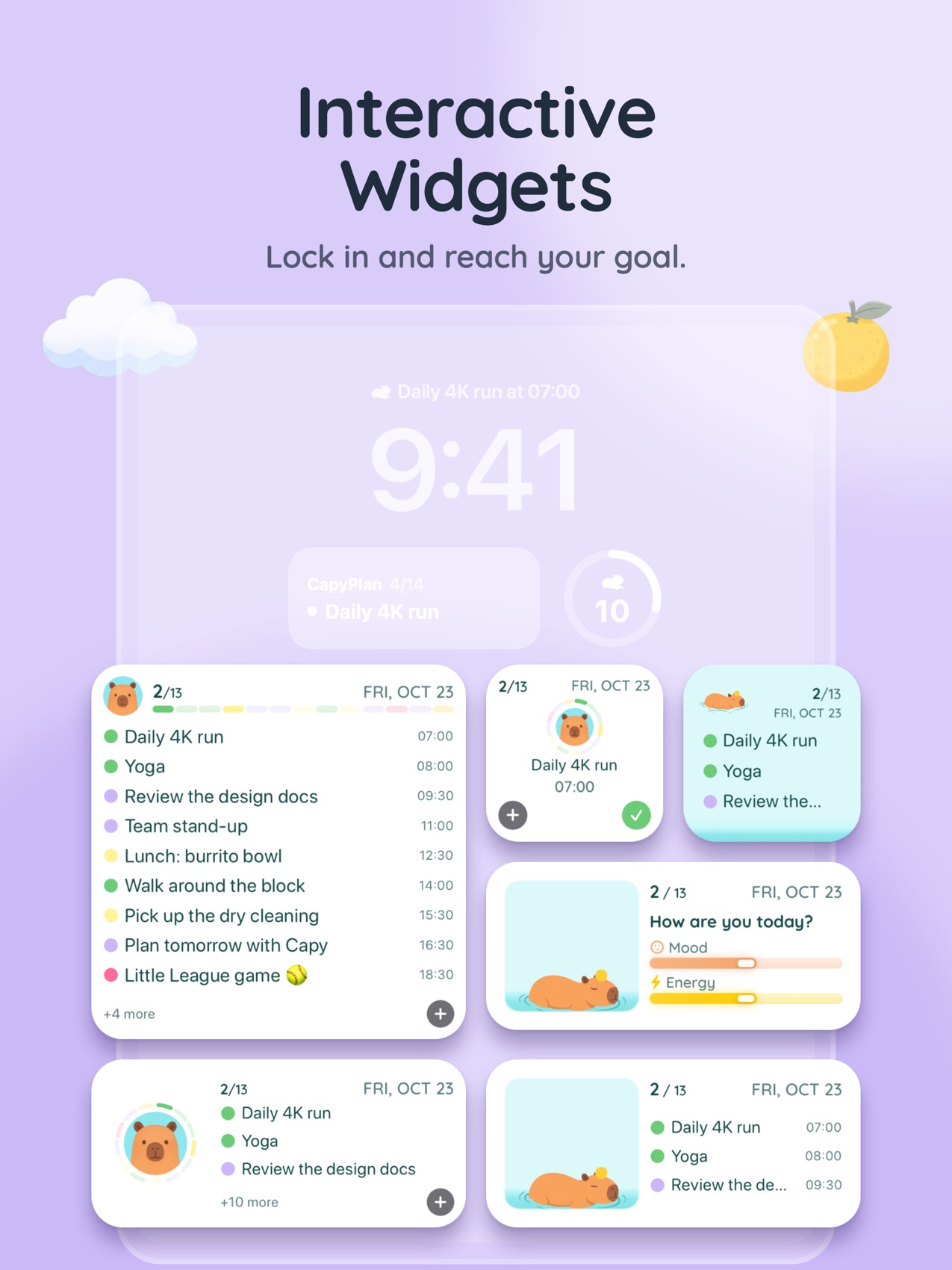
The widgets now have a check-in widget that asks how you are today, two styles (Minimalist and Onsen) and three sizes, plus your own colours and capybara. They're interactive, so you can tick off the next task or add a new one straight from the home screen. Most days you can glance, tap, and get on with life without opening the app. There's a full walkthrough in how to add a capybara widget to your iPhone.
CapyAI got smarter, and can rearrange your day
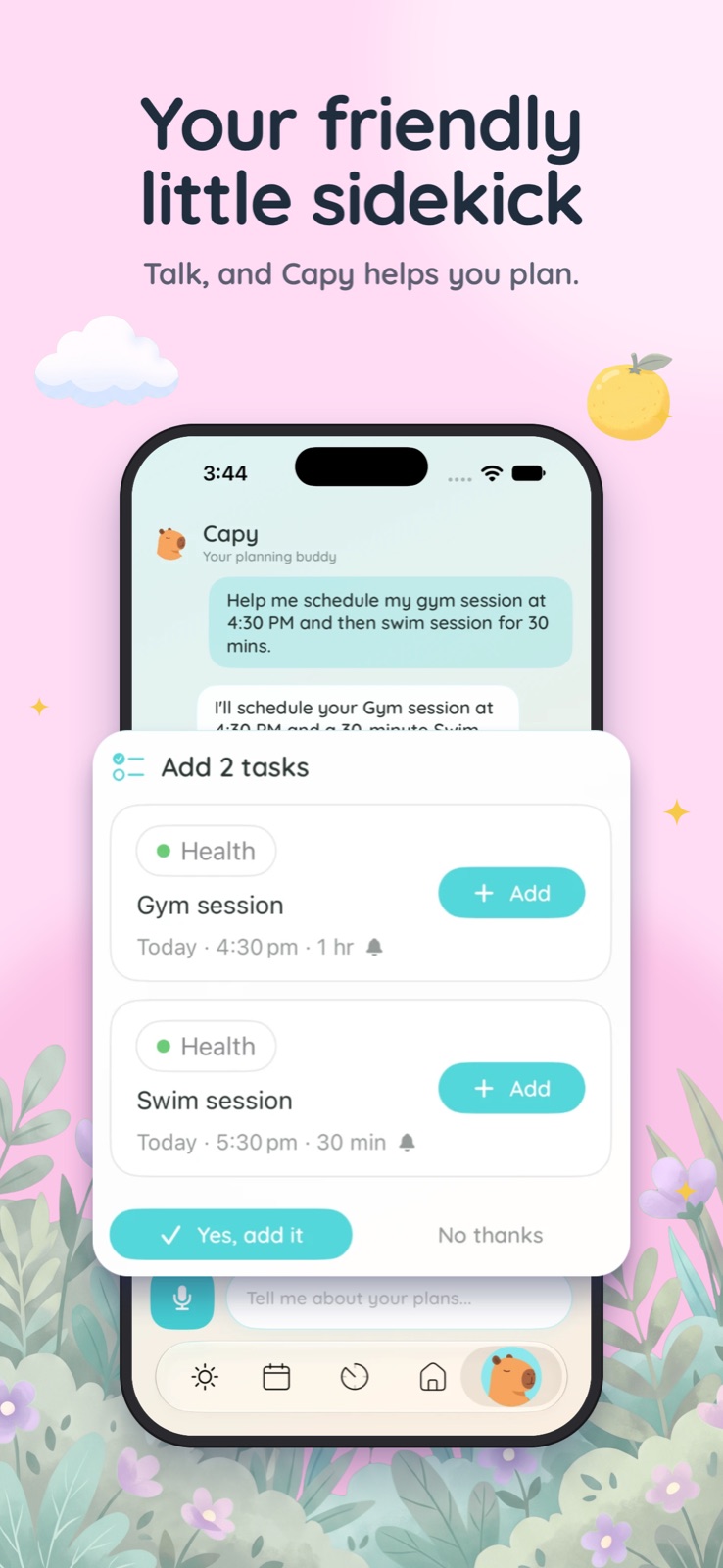
Plans change. A meeting runs over, you wake up tired, the afternoon disappears. Now you can just tell Capy: "move everything after 3pm to tomorrow" or "push the gym to Saturday", and Capy shuffles the tasks for you. You see exactly what will change before anything moves.
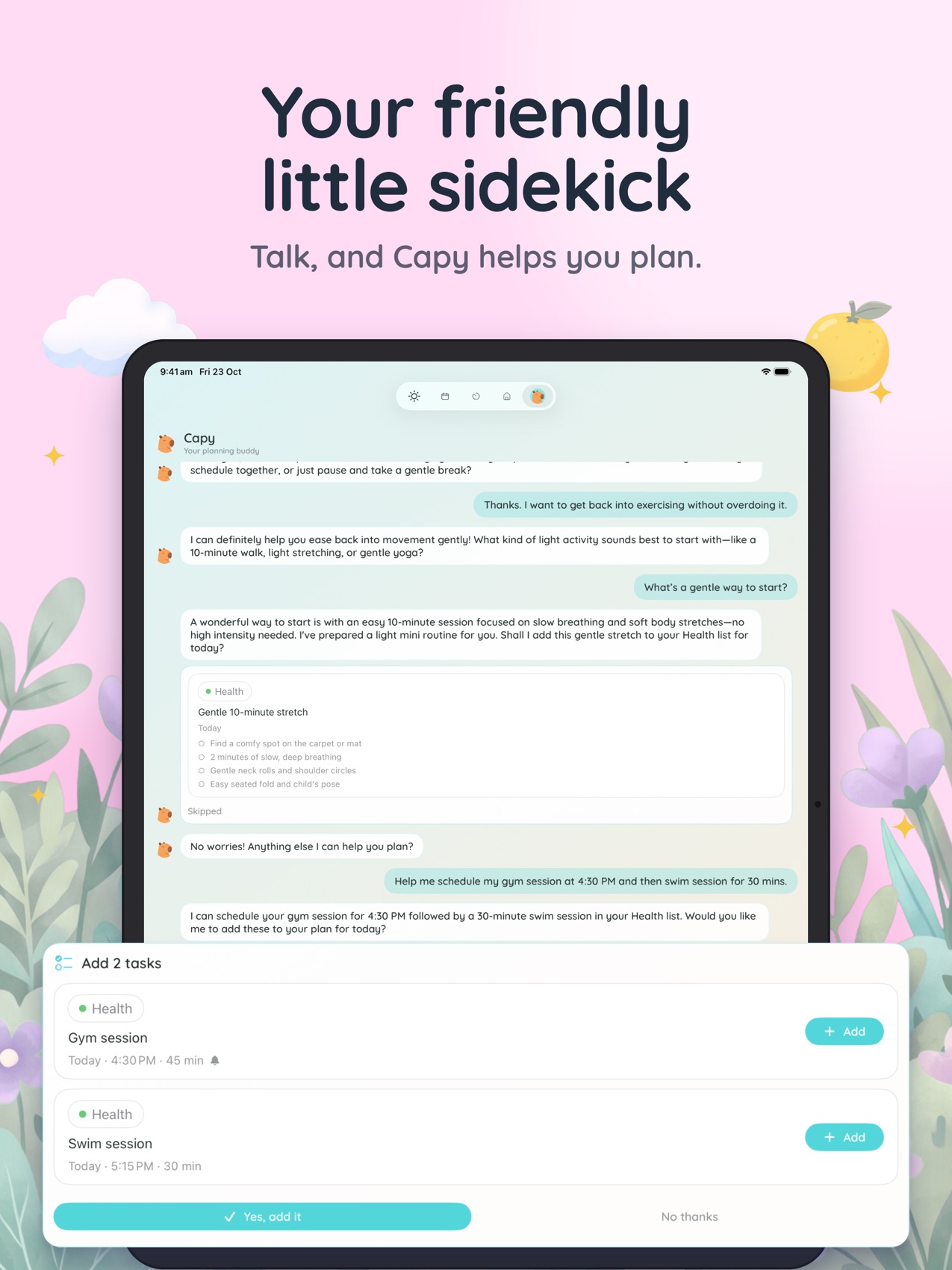
Capy's task ideas are better too. Ask for help getting back into exercise and you get a gentle ten-minute stretch broken into tiny steps, not a punishing workout plan. When Capy suggests a few tasks at once, you can accept or skip each one, so you keep the good ones and drop the rest. And it keeps your routines safe: Capy plans around them and won't move or delete them.
Get CapyPlan 7.5
Update CapyPlan on the App Store to get everything above on iPhone, iPad, Mac and Apple Watch. New to CapyPlan? Here's how to get started. Then do one small thing today, and let Capy make a fuss about it.